

docwriter command that opens a chosen folder as a writing workspace. You can confirm that local editing and saving work before you connect an AI provider.
Requirements
You work in the browser, and thedocwriter command on your computer reads and writes files in the chosen folder. Install Git and Node.js 22.22.2 before continuing.
Run node --version to check the installed version. If you use nvm, run nvm use inside the repository. Run nvm install once if the pinned version is missing.
Install from source
Open a workspace
Pass the folder that contains your writing project:127.0.0.1 by default. You can open and preview only files inside the folder you chose, so select the folder that contains the whole writing project. Hooks and shell commands can access other paths allowed by your operating system account.
If the browser does not open, use the local address printed in the terminal. The first address is usually http://127.0.0.1:7723.
Confirm the editor works
Create a text file in the file tree and type one sentence. Reload the browser and open the file again. The sentence should still be present.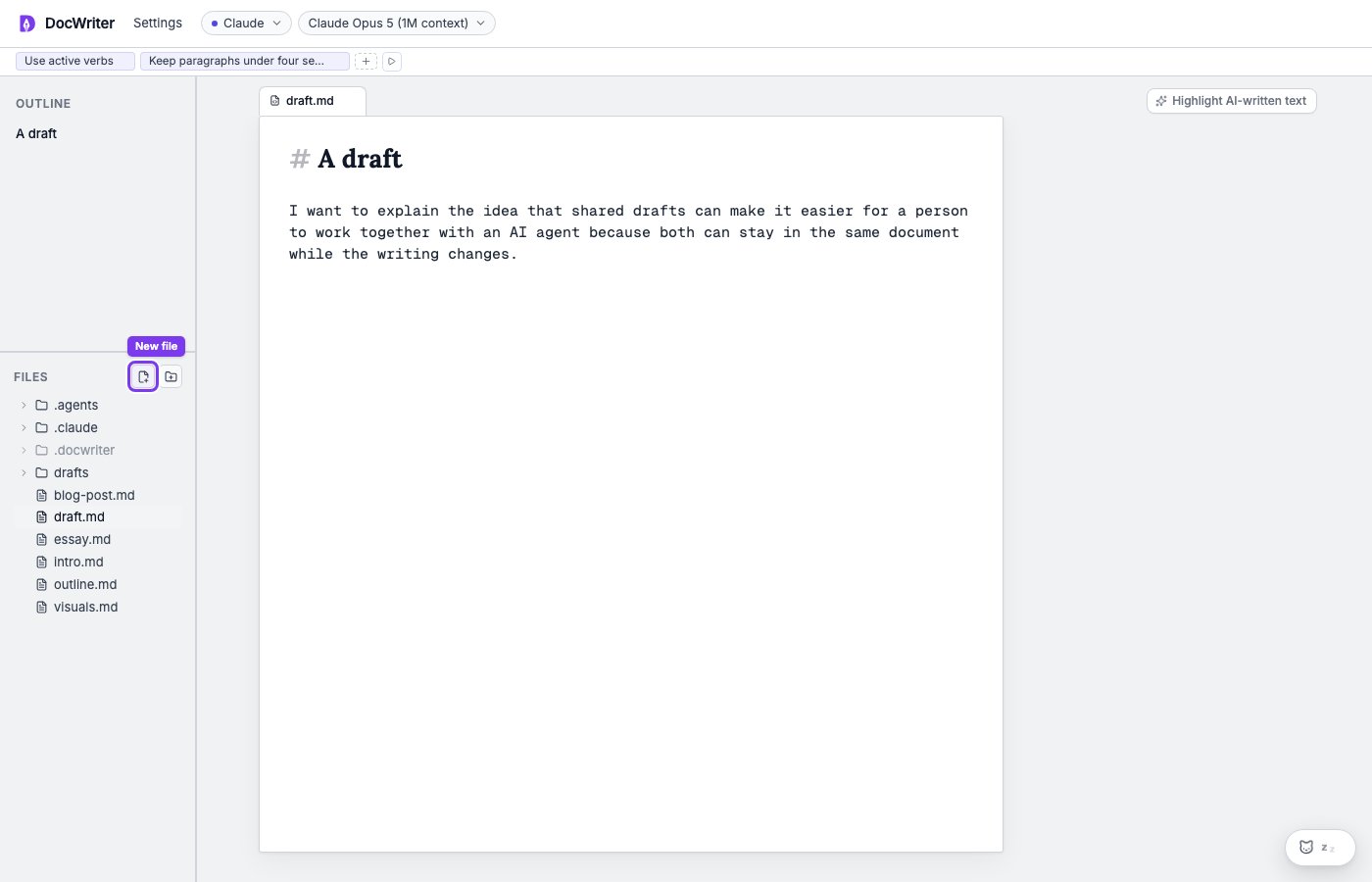
A project file open in the editor after DocWriter starts.
Update an existing installation
.docwriter/docwriter.db before an update when the workspace contains important session or review history.