Wake the agent
Click the idle agent pill to ask the agent to inspect the active text tab. The pill is unavailable when the active tab is a PDF or when no text tab is open. After you stop typing for three seconds, the agent can wake automatically. The pill shows the countdown. Press Command or Control and Enter in the editor to skip the remaining wait. Automatic wake does not run while the agent is paused or when the text has not changed.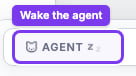
Send a specific request
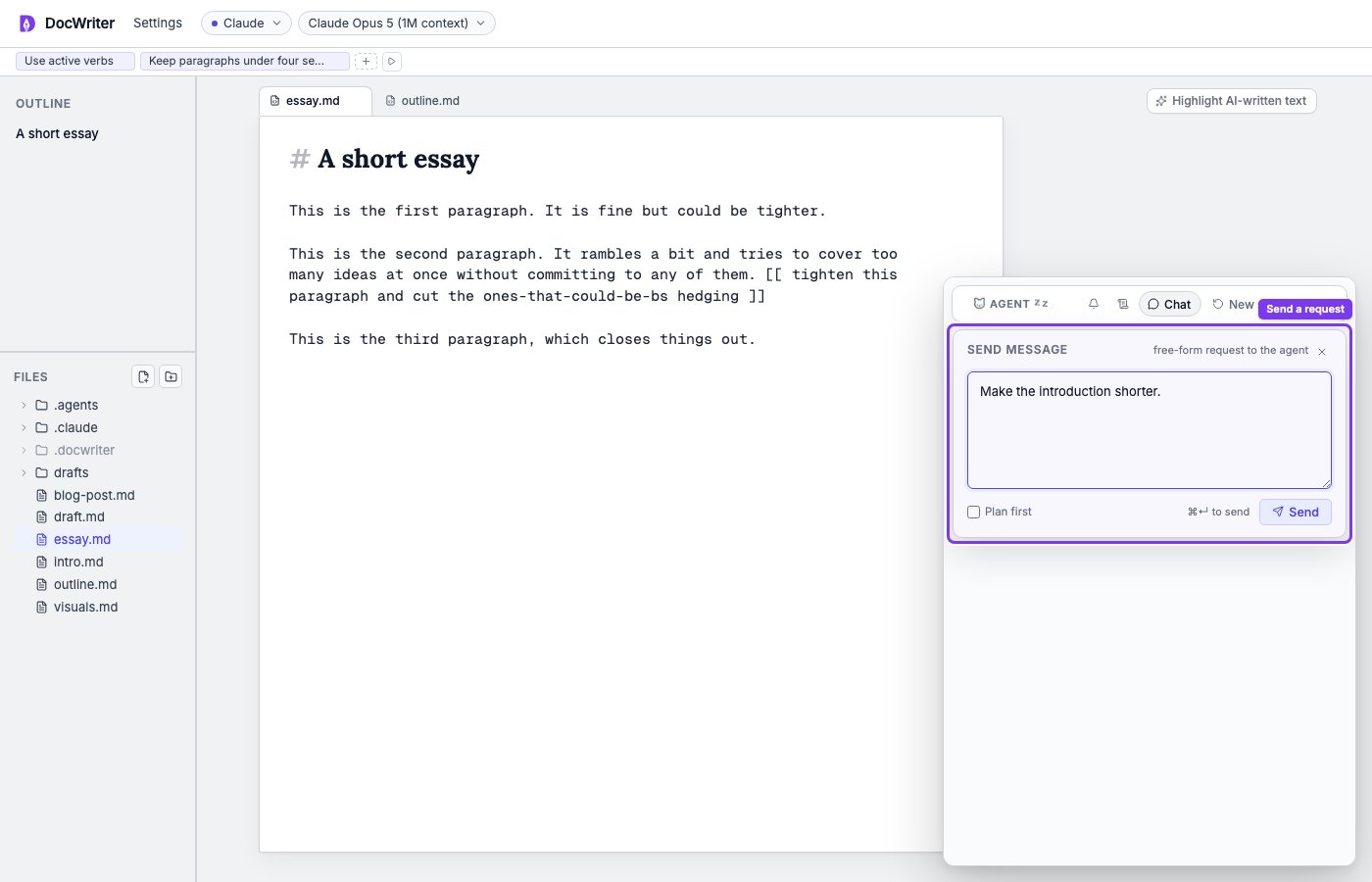
Click Chat in the floating agent dock. Write the request, then press Command or Control and Enter. Enter alone adds a new line. You can send a request with no open tab, attach an image, or ask the agent to work across several files. For example, you can ask it to compare the introduction with a source image or make terminology consistent across open chapters. Messages sent during a run join the queue.Pause and resume the agent, then prepare a request in Plan first mode.